
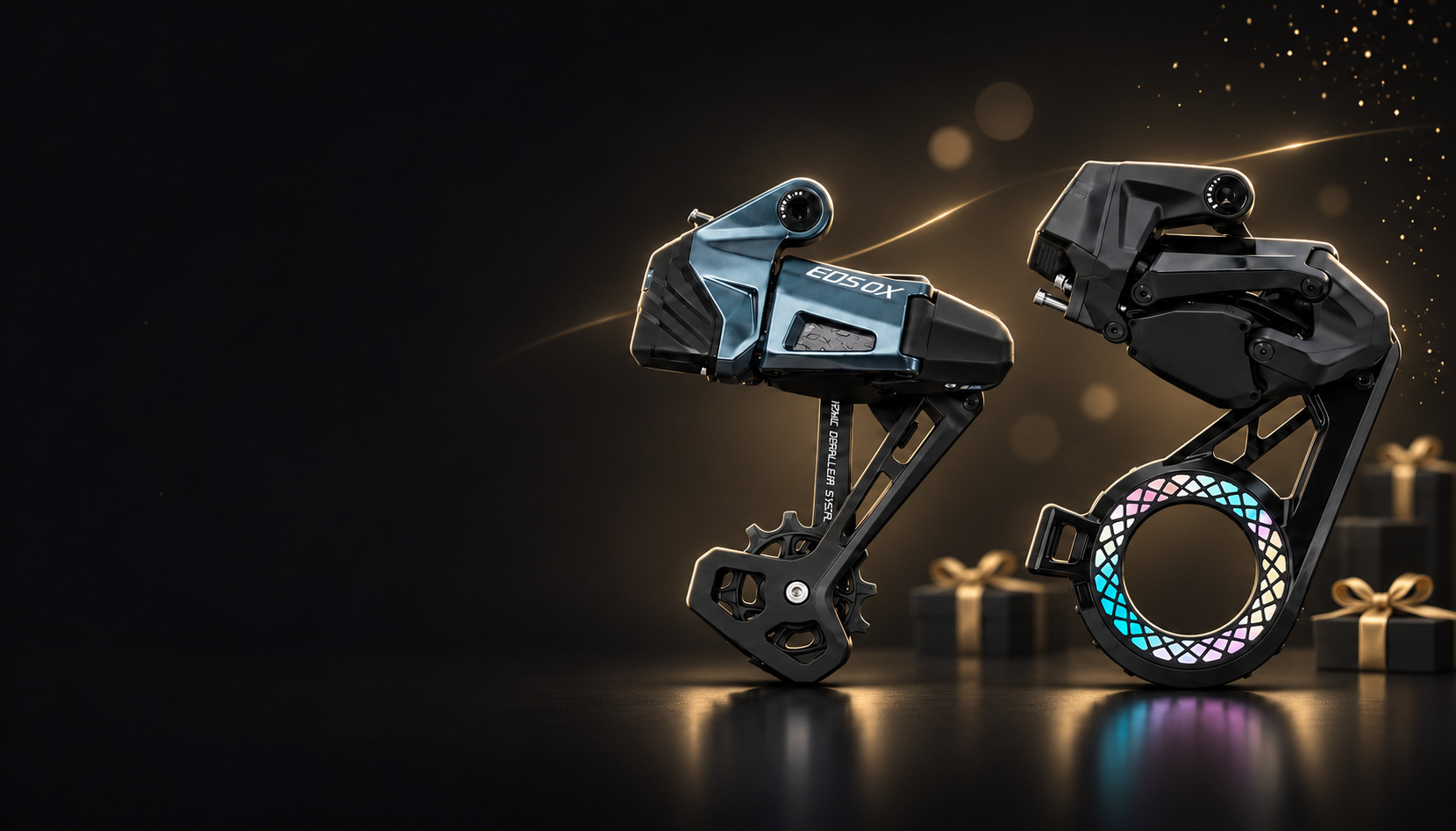
WHEELTOP App v2 and Firmware Update: New UI and Per-Gear Fine-Tuning
What changed in the WHEELTOP app v2 release and the matching EDS firmware, the version numbers shown in the app, and how to update both safely.
Quick answer: WHEELTOP app v2 (v2.0.0 was announced on September 4, 2026, followed by v2.0.1; check your app store for the latest release) has a new interface, and the matching EDS firmware adds real-time fine-tuning for every gear on the rear and front derailleur. Update the app and the firmware together, or the new features will not show up.
What's New in App v2
WHEELTOP lists three changes for the app itself:
- A completely new interface design
- Real-time fine-tuning of every gear setting (needs the matching firmware)
- Fixes for known issues
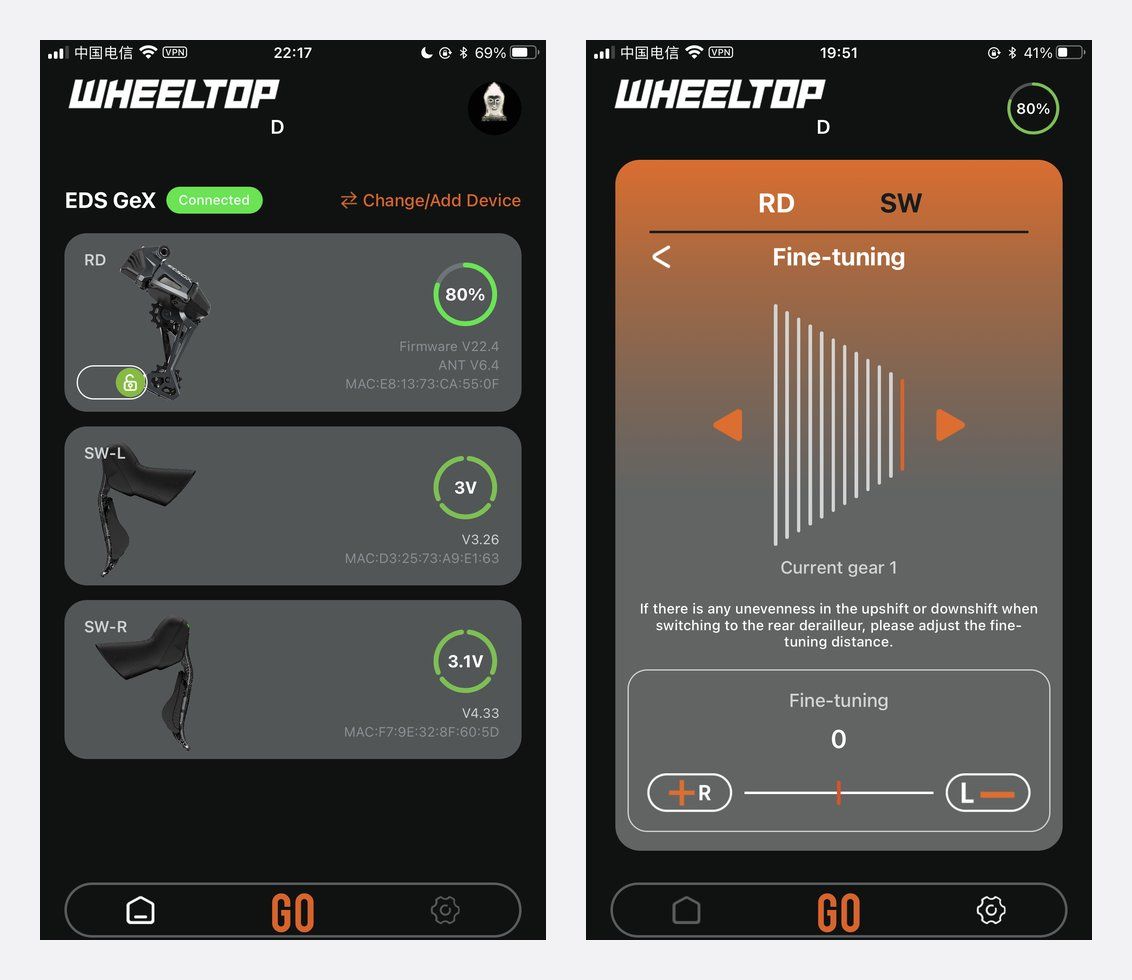
The new interface splits the groupset into RD, FD and SW tabs across the top, so the rear derailleur, front derailleur and shifters each get their own screen. The fine-tuning view shows the gear you are in and lets you nudge the derailleur from there, instead of making one global adjustment for the whole cassette.
Firmware Update Highlights
- Rear and front derailleurs support real-time fine-tuning for each gear
- Front derailleur return delay cut from 2 seconds to 1 second
- Lower power consumption for the thumb shifter, which runs on a CR2032 coin cell
- Fixes for known issues
Firmware Versions in This Rollout
WHEELTOP started pushing the firmware from August 25, 2026. These are the versions shown on the in-app upgrade screens:
- EDS TX rear derailleur: V2.75 → V21.4
- EDS GeX rear derailleur: V2.67 → V22.4
- EDS GeX right shifter: V4.30 → V4.33
- EDS GeX left shifter: V3.25 → V3.26
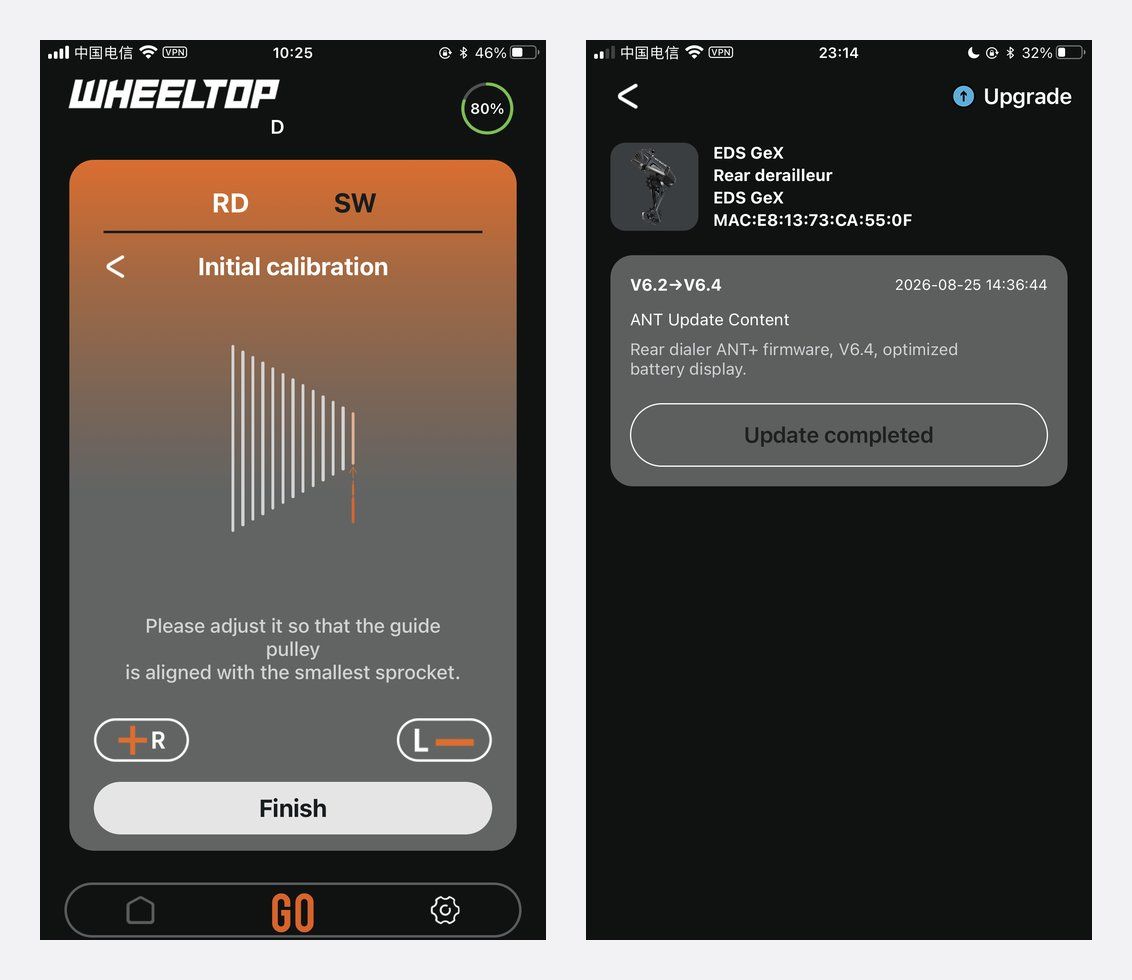
- EDS GeX rear derailleur ANT+: V6.2 → V6.4
On GeX the update runs as four separate firmware channels, so the app prompts you to update each part in turn.
Update the App and the Firmware Together
WHEELTOP's announcement is explicit: update the app and the firmware to matching versions, otherwise some features may not work. A v2 app talking to old derailleur firmware will not give you per-gear adjustment.
How to Update
- Update the WHEELTOP app from the App Store or Google Play, or scan the QR code below.
2. Charge the rear derailleur with the magnetic charging cable before you start.
3. Open the app, connect to your derailleur and open the firmware upgrade screen. The app shows the installed version and the latest one.
4. Keep the phone next to the bike until the progress reaches 100%, then reconnect and check the new version.

The full step-by-step process is in our WHEELTOP firmware update guide, and first-time pairing and calibration are covered in the WHEELTOP app setup guide.
FAQ
Do I need to update both the app and the firmware?
Yes. Per-gear fine-tuning comes from the app and firmware working together. Update both to the matching release.
Which models got this firmware?
The versions above were shown for EDS TX and EDS GeX. Open the firmware screen in the app to see what is available for your own derailleur. For full model specs and supported cassette ranges across the lineup, see the WHEELTOP EDS compatibility page.
What changed on the front derailleur?
Its return delay after a shift dropped from 2 seconds to 1 second, and it gained per-gear fine-tuning.
Will updating erase my settings?
Check your gear position after any update and run a quick fine-tune pass in the app if a gear does not sit right.
Shop WHEELTOP EDS
Browse the WHEELTOP EDS TX road groupset and the WHEELTOP EDS GeX gravel groupset. Stuck on an update after buying from Aoeagle? Message us and we will help. Every groupset carries a 1-year warranty on the electronic shifting components.


