
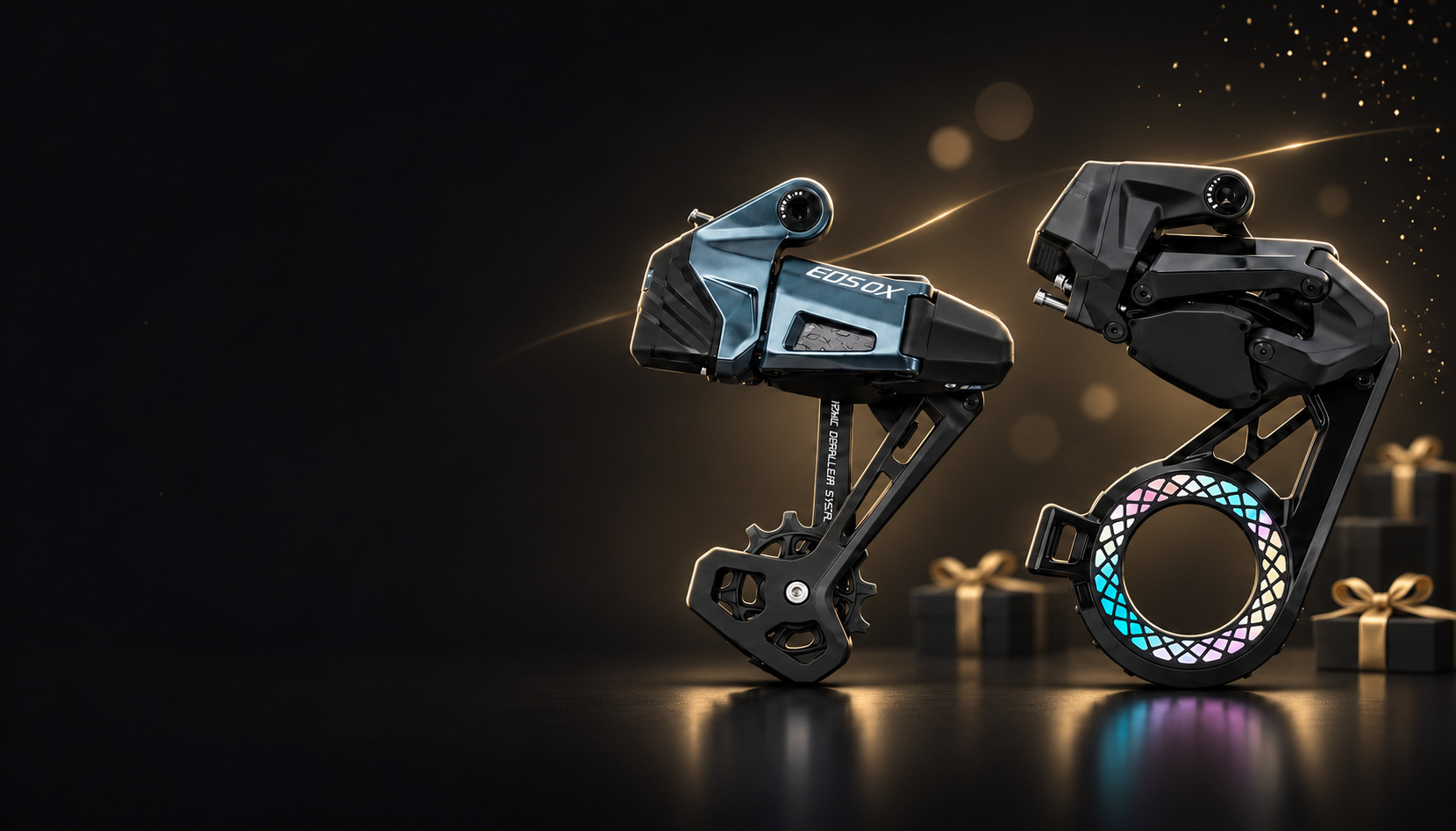
WHEELTOP EDS TX Road Bike Setup: Complete Guide
Fitting WHEELTOP EDS TX to a road bike: compatibility checks, lever and derailleur installation, pairing, calibration and fine-tuning in the app.
Quick answer: the WHEELTOP EDS TX is a wireless 2x road groupset: drop-bar shift levers, an electronic rear derailleur (7–14 speed, cassettes up to 36T) and an electronic front derailleur. Fit the levers and derailleurs, charge them, pair them in the WHEELTOP app, set your cassette speed, calibrate, then fine-tune any gear that is not quite right.
Check Before You Start
- Cassette: 7–14 speed, largest sprocket up to 36T.
Double-check your road bike speed count, cassette range, and brake mount in the EDS TX compatibility tool.
- Frame: a front derailleur mount for the 2x front derailleur.
- Brakes: TX comes in rim brake and disc brake versions; choose the lever that matches your bike (rim brake lever, disc brake lever).
- Read the compatibility guide first.

What's in the Kit
A TX shifting kit includes the left and right shift levers, the rear derailleur, the front derailleur (2x kits) and the magnetic charging cable. There are no shift cables, so only the brake lines need routing.
Step 1: Fit the Shift Levers
Mount the levers on the drop bar in your usual position. Route the brake cable or hose, then wrap the bar tape. The shift buttons are wireless and run on CR2032 coin cells.
Step 2: Fit the Rear Derailleur
Check the hanger is straight, then mount the rear derailleur. Fit and size the chain for your chainrings and cassette.

Step 3: Fit the Front Derailleur
Mount the front derailleur and line its cage up with the outer chainring. The FD runs on a built-in 500mAh 7.4V (3.7Wh) battery.
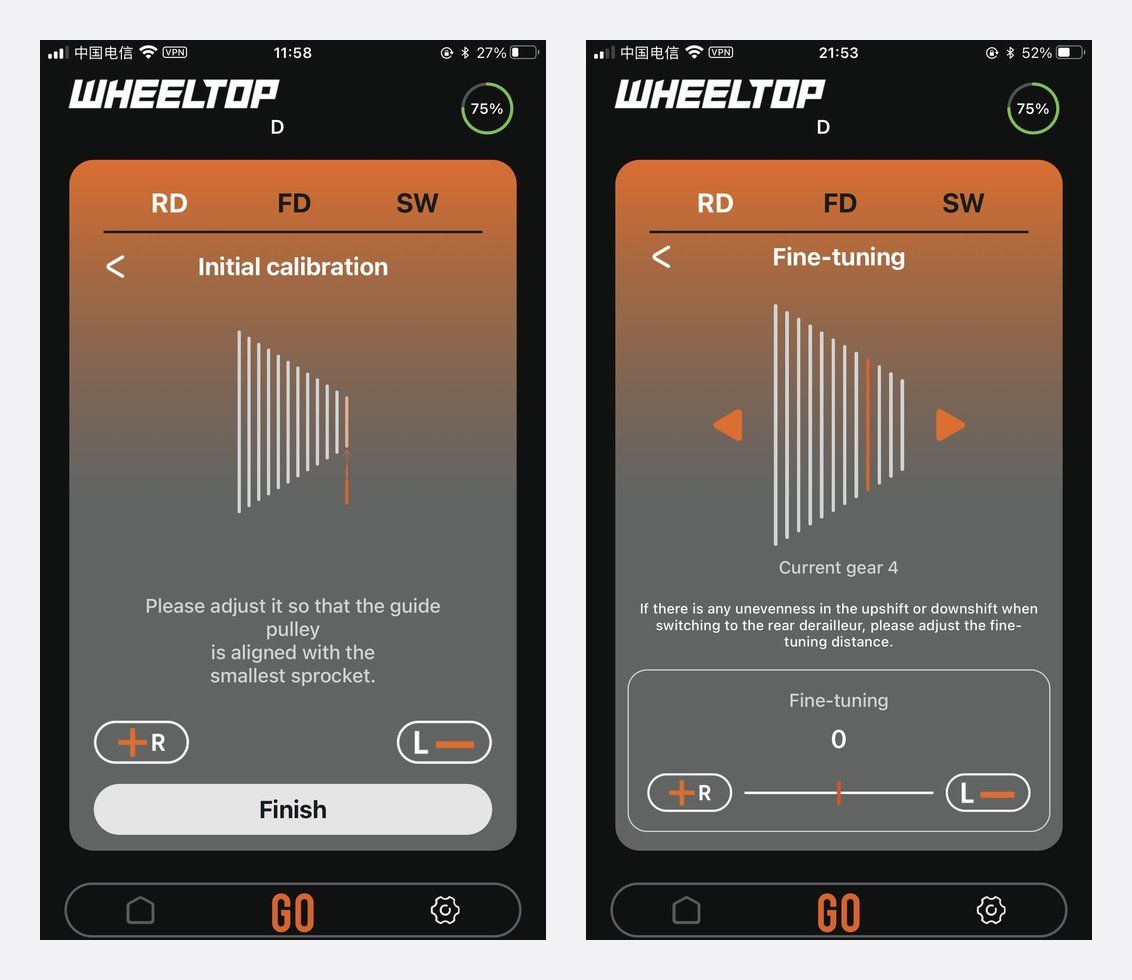
Step 4: Charge, Pair and Calibrate
Charge both derailleurs with the magnetic charging cable. The rear derailleur has an 800mAh 7.4V (5.92Wh) battery, rated by WHEELTOP for 20,000+ shifts per charge. Then open the WHEELTOP app, connect, set the cassette speed and run calibration.
Pick up a spare magnetic charging cable or replacement parts under WHEELTOP TX accessories.
Step 5: Fine-Tune and Choose a Mode
Shift through every gear on a stand. If one gear is rough, use per-gear real-time fine-tuning in the app rather than adjusting the hardware again. Choose Standard mode (sleeps when idle, saves battery) or Racing mode (always on, quickest response).
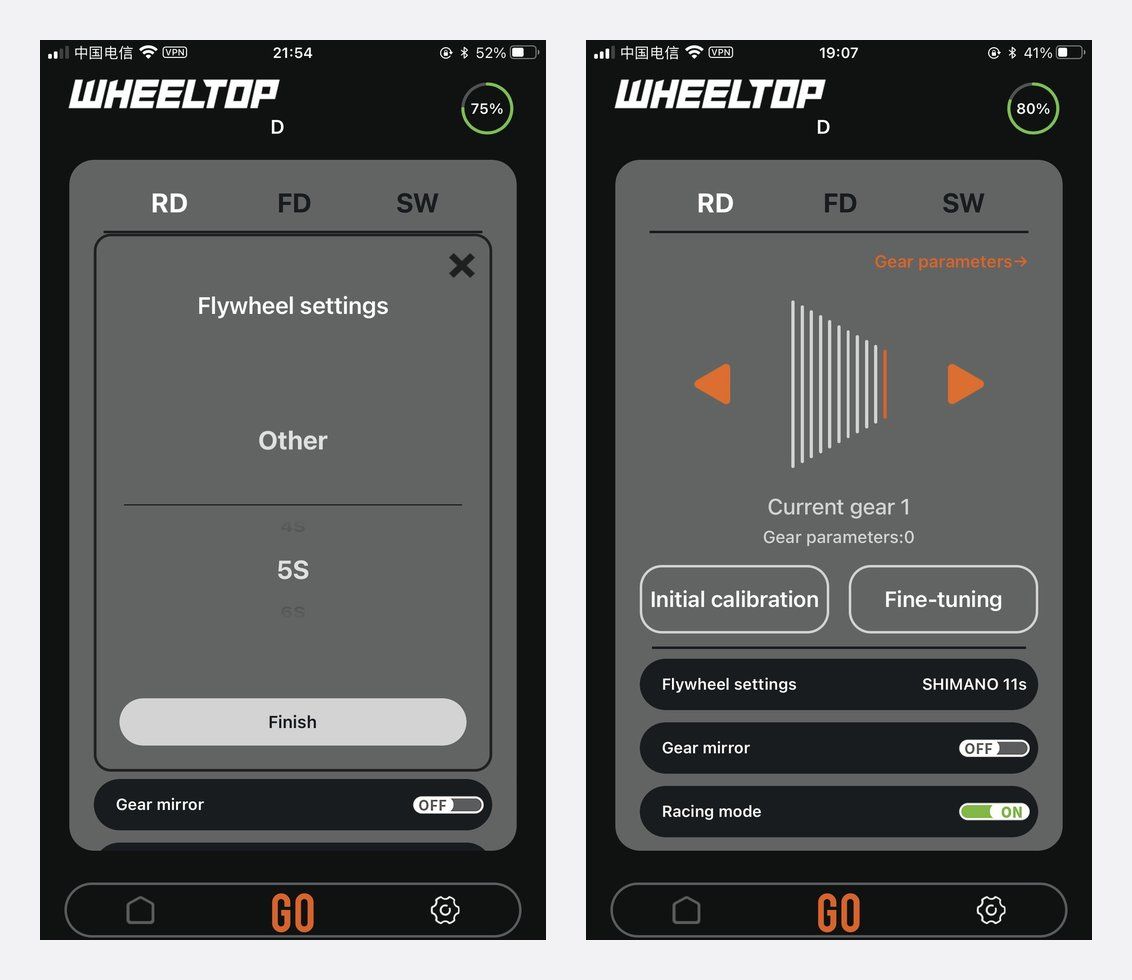
Full app steps: WHEELTOP app setup guide. Installing only the rear derailleur? See the TX installation guide.
FAQ
Does TX work with 12-speed cassettes?
Yes. TX supports 7–14 speed cassettes, largest sprocket up to 36T, set in the app.
Do I need to route shift cables?
No. Shifting is wireless; only the brakes need cables or hoses.
Is TX waterproof?
The derailleurs are IP67 rated.
Can it connect to my bike computer?
TX supports BLE and ANT+.
Shop
WHEELTOP EDS TX wireless road groupset, with a 1-year warranty on the electronic shifting components.


